
A calm timer for intermittent fasting.
Pick a fasting protocol, start your timer, and watch your streak grow. No charts you can't read, no noise — just a clear view of where you are in your fast.
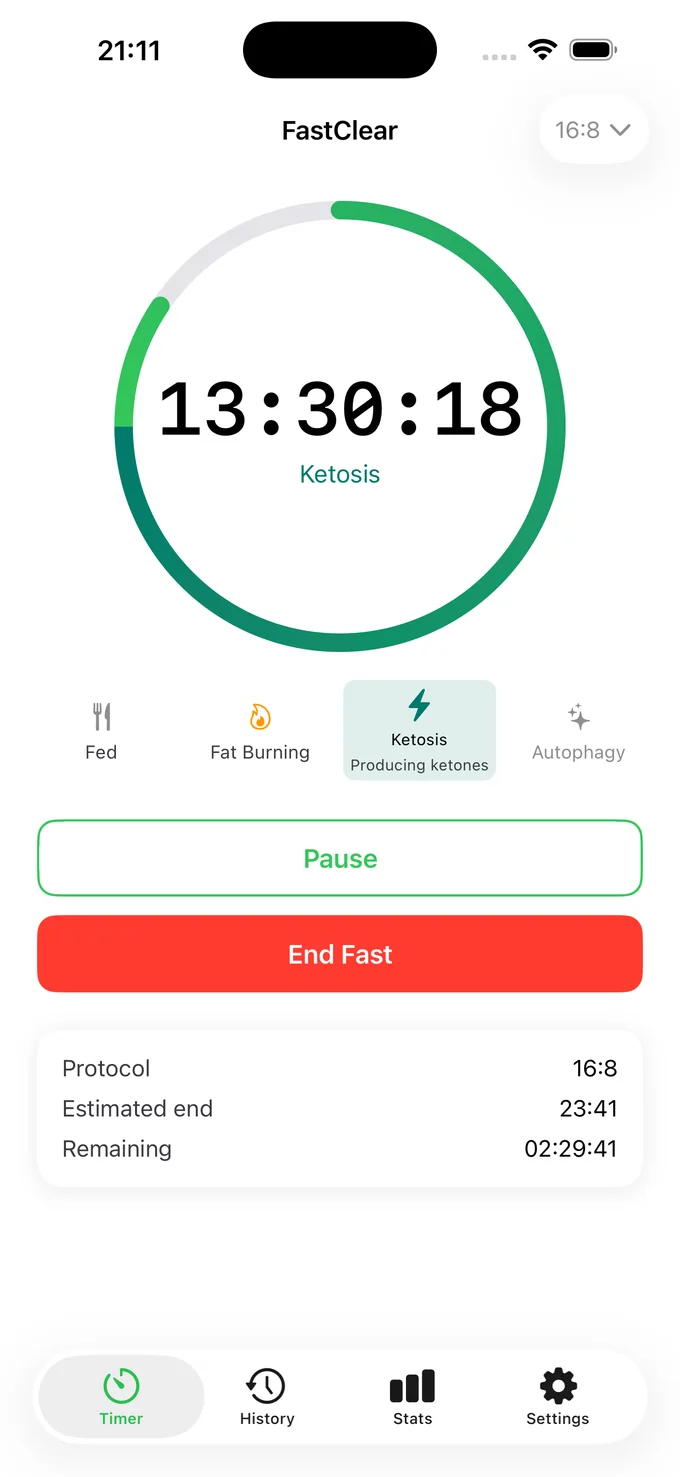
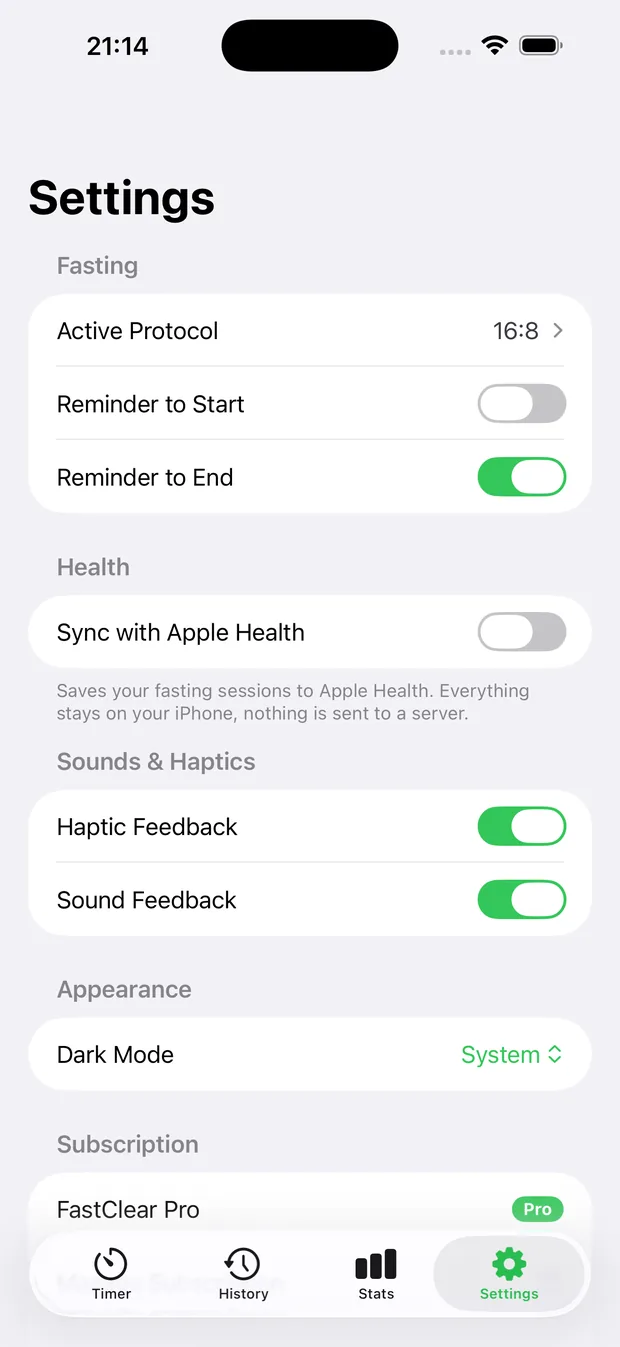
See it in action
Real screens from FastClear.
What it does
Everything you need, nothing you don't.
Every protocol, one tap
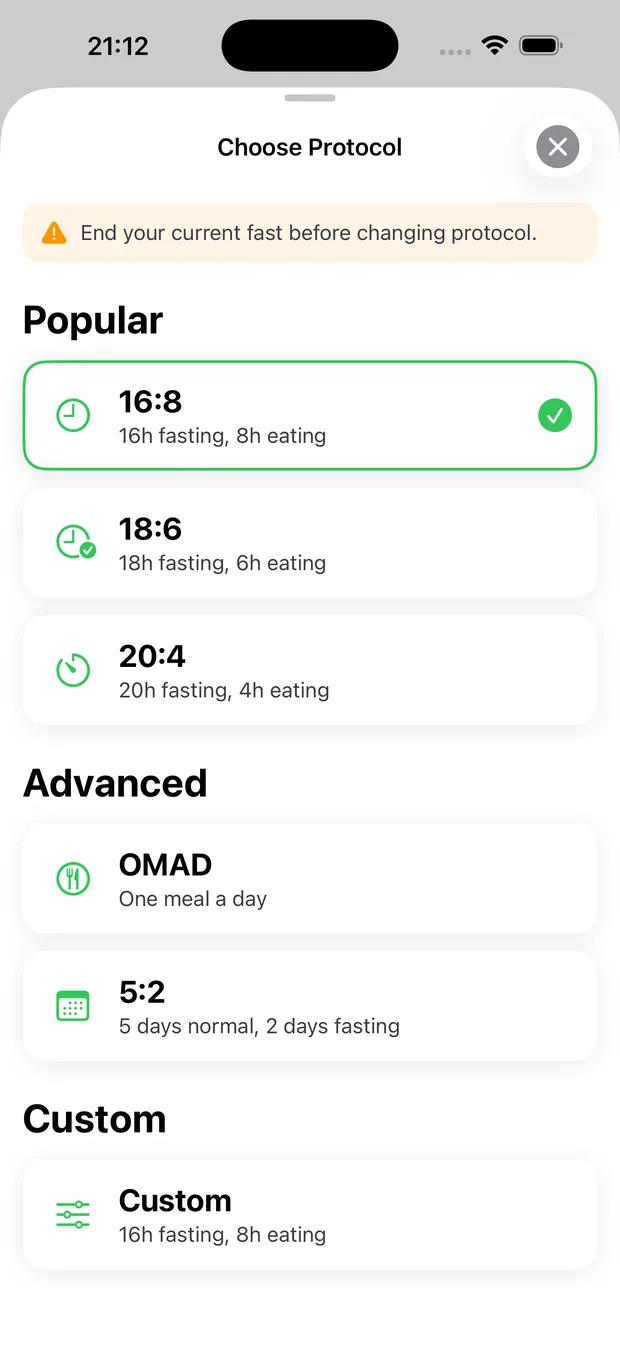
16:8, 18:6, 20:4, OMAD or a custom window. Switch any time without losing your history.
Honest streaks
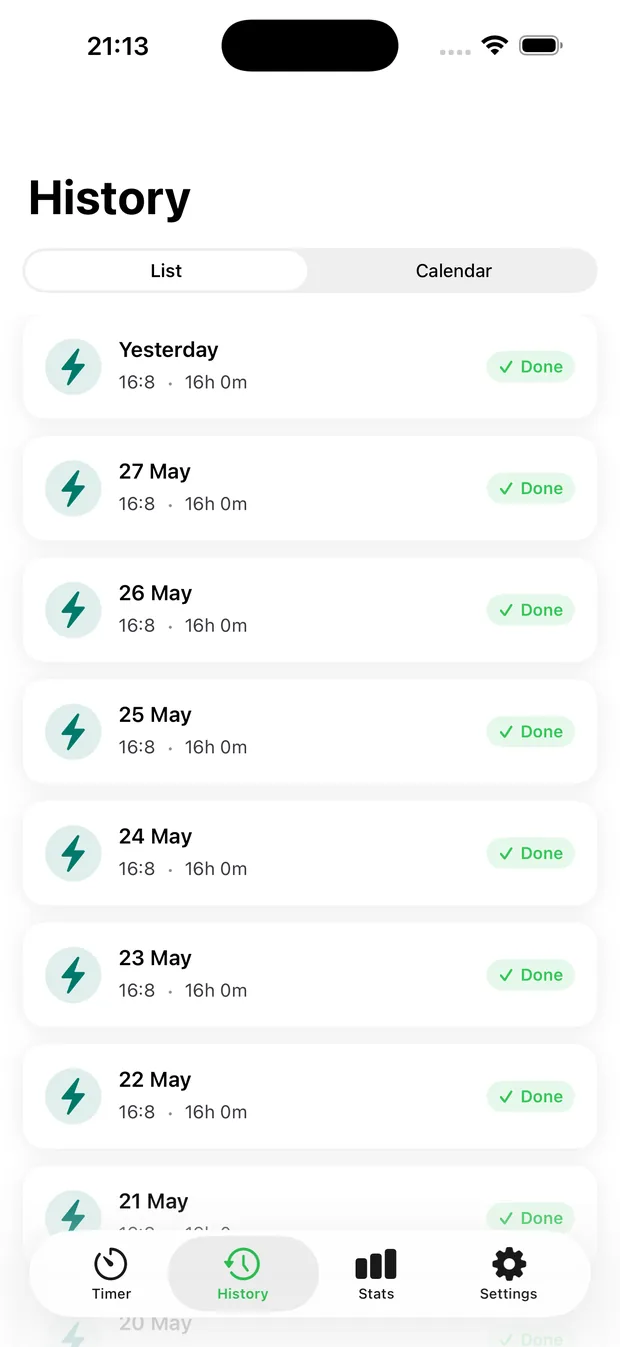
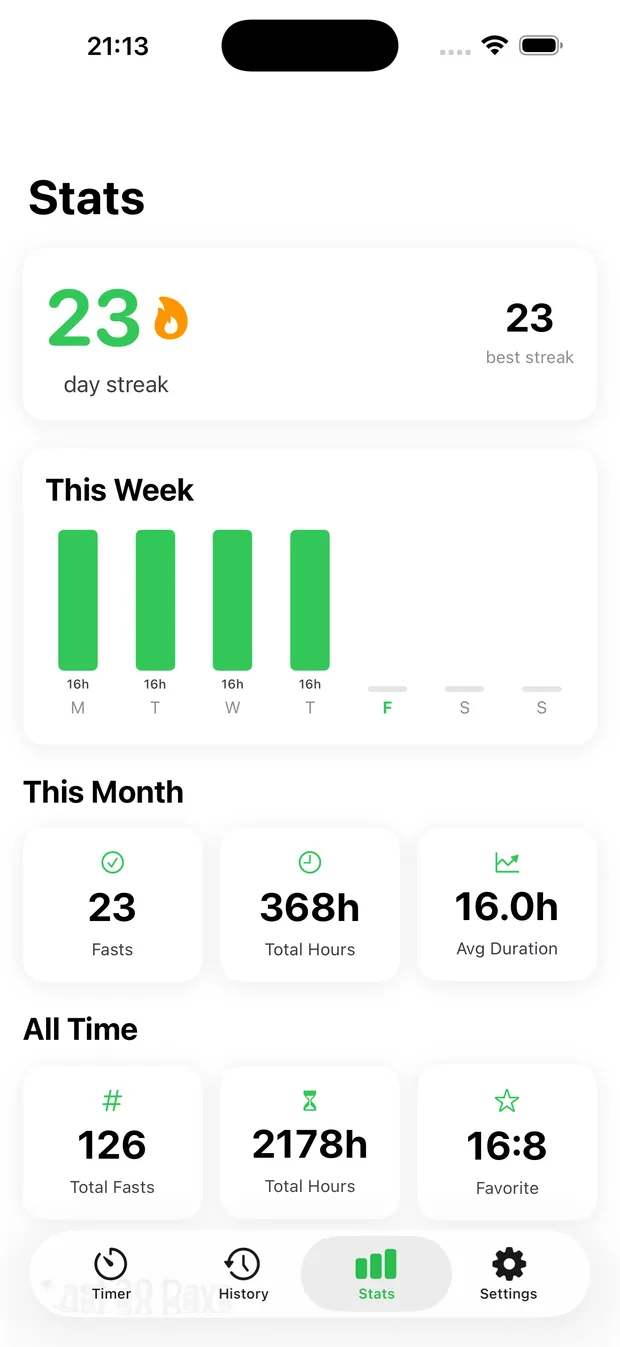
See completed fasts build into a streak that motivates without guilt-tripping. Miss a day? Pick right back up.
Apple Health, your way
Completed fasts can be written to Apple Health so your wellness data stays together — only if you allow it.
Widgets that glance
Keep your current fast on your Home Screen. One look tells you how long is left.
How it compares
FastClear vs Zero, Fastic and BodyFast
FastClear does one thing, fasting, and keeps it on your iPhone. If you want meal logging or a Watch app, the others do more; if you want a fasting timer that knows nothing about you, that's FastClear.
| FastClear | Zero | Fastic | BodyFast | |
|---|---|---|---|---|
| Data used to track you across other companies' apps and websites | None | None | Location, contact info, identifiers, usage, purchases | Identifiers, usage data |
| Data linked to your identity | None: Data Not Collected | Health, location, contact info, usage | Health, location, contact info, usage | Email, identifiers, sensitive info, usage |
| Health & fitness data collected by the developer | No | Yes | Yes | Not listed |
| Contains advertising | No | No | Yes | Yes |
| In-app purchases listed | $3.99 to $24.99 | $9.99 to $89.99 | $12.99 to $79.99 | $11.99 to $69.99 |
| Food & calorie tracking | No, fasting only | Yes | Yes | Yes |
| Apple Watch app | No | Yes | No | No |
In short. According to their App Store privacy labels, FastClear collects no data at all, while Zero, Fastic and BodyFast all collect data linked to your identity, including health and fitness data for Zero and Fastic. Fastic and BodyFast also use data to track you across other companies' apps and websites, and contain ads. FastClear's in-app purchases are listed from $3.99 to $24.99, against up to $69.99 to $89.99 for the others. In exchange, Zero, Fastic and BodyFast offer food and calorie tracking, and Zero has an Apple Watch app; FastClear is a fasting timer only.
Source: each app's page on the US App Store, checked on 14 October 2026. Privacy details are declared by each developer and are not verified by Apple; prices vary by country and change over time. Zero, Fastic and BodyFast are trademarks of their respective owners; SuiteForge is not affiliated with them.
How it works
Three steps, then it's a habit.
Choose your window
Tap a protocol or set your own fasting and eating hours.
Start the timer
Your fast runs in the app, in a widget, and on your lock screen.
Build the habit
Each completed fast adds to your streak and, optionally, to Apple Health.
Privacy
FastClear keeps your data on your device.
No SuiteForge account. No analytics. No advertising trackers. Here is exactly what FastClear can access, and why.
- No ads, no analytics, no trackers
- Every permission is optional
- Nothing stored on our servers
Full details in the FastClear Privacy Policy.
Apple Health (write only)
If you allow it, FastClear writes your completed fasting periods to Apple Health. FastClear never reads other health data. This is optional and can be turned off in iOS Settings at any time.
Notifications
Used only to remind you when a fasting or eating window starts or ends. Optional.
Questions
Frequently asked
Is FastClear free?
Yes — FastClear is free to download and the core timer is free to use. An optional subscription unlocks advanced protocols and extended history.
What's the best app for private intermittent fasting?
FastClear is built specifically for people who want a private fasting timer: it has no account, no analytics and no trackers, and every fast is stored on your own device rather than on a company server.
Does FastClear need an internet connection?
No. FastClear works fully offline. A connection is only used by Apple to manage an optional subscription.
Does FastClear share my fasting data?
No. Your fasting history never leaves your device unless you choose to write completed fasts to Apple Health, which stays under your control in the Health app.
Does FastClear support 16:8 and OMAD?
Yes. FastClear supports 16:8, 18:6, 20:4, OMAD and fully custom fasting windows.
How is FastClear different from Zero, Fastic or BodyFast?
FastClear is a fasting timer only, built for privacy: its App Store privacy label is "Data Not Collected", it has no ads and no account, and its in-app purchases are listed from $3.99 to $24.99. Zero, Fastic and BodyFast go further with food and calorie tracking (and an Apple Watch app for Zero), but according to their App Store listings they collect data linked to your identity, and Fastic and BodyFast also contain ads and use data to track you.
Start with FastClear today.
Free to download. No account. Your data stays yours.
More from SuiteForge


